Live, shared wormhole maps
Map the chain together.
One live map for the whole corp. Signatures, mass, lifetime and everyone's position, in step for everybody looking at it. Open source, and yours to run.
ESI-secure · No client install · Your database
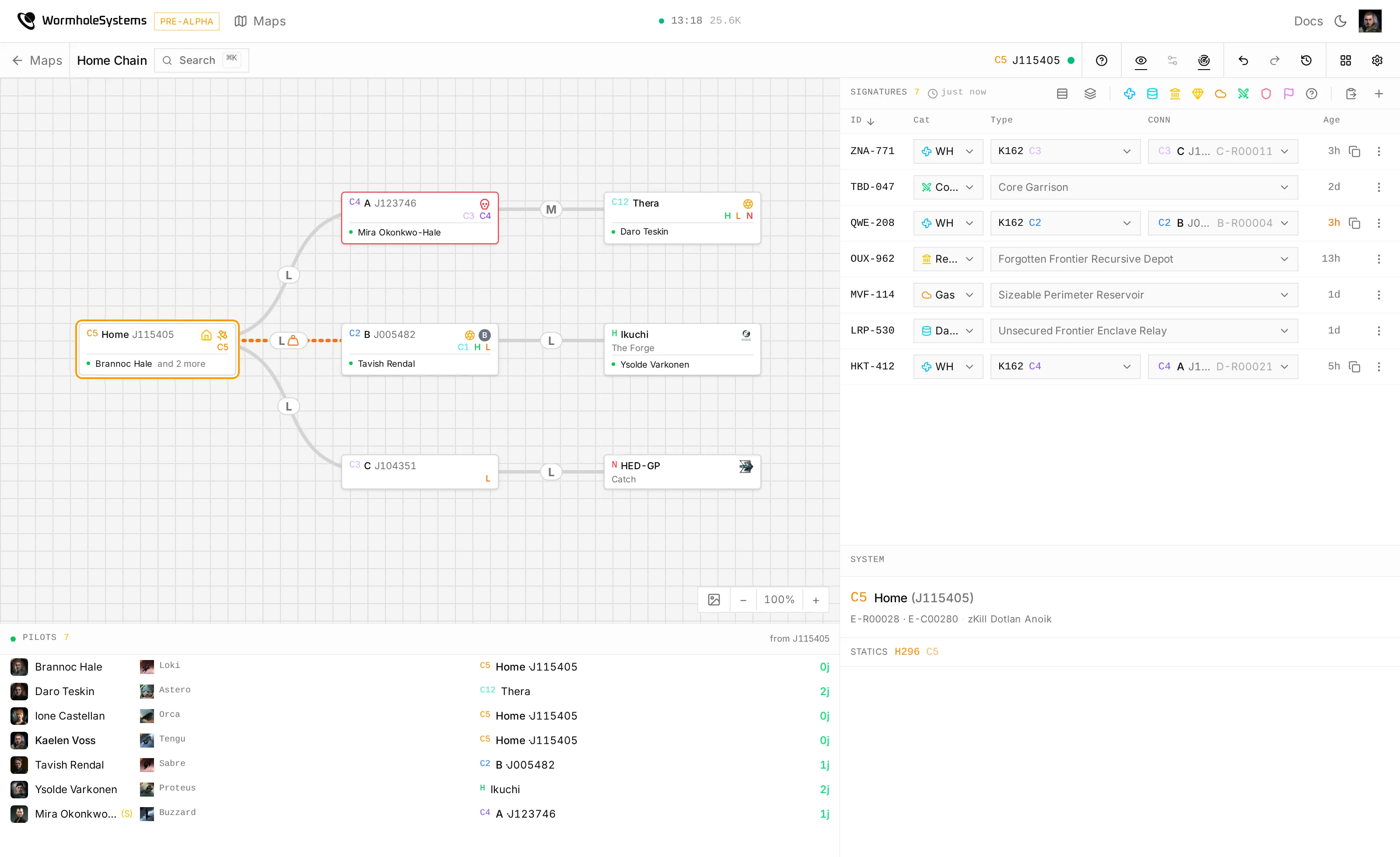
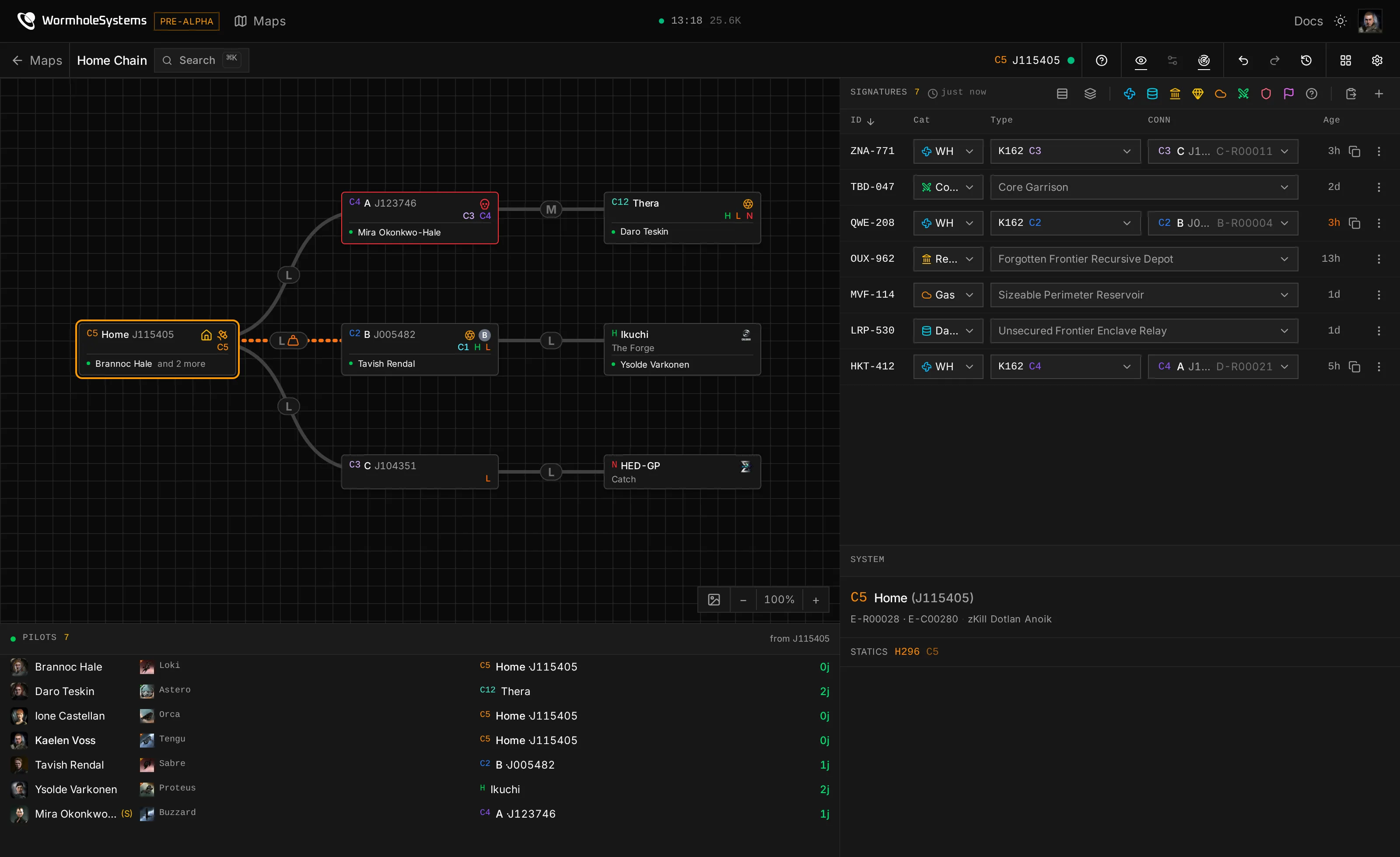
Open source · Self-hosted
Run it yourself. It is one command.
Not a trial of a hosted thing: the whole application on your own machine, with your corp's chain in a database only you can reach.
curl --proto '=https' --tlsv1.2 -sSf https://install.wormhole.systems | sh- Docker and Compose v2
- Disk
- DNS
- Ports 80 and 443
- Up to date
Your machine
One box, four containers, no account with anybody.
Your database
The chain lives in your Postgres. Nothing phones home.
Your keys
Your own EVE application, so ESI tokens never leave the host.
- 8,490 Solar systems
- 3,004 Wormhole systems
- 13,978 Stargates
- 91 Wormhole types
What this copy already knows, seeded from CCP's static data export on the first boot. What setup does, and wsctl afterwards
01 Signatures
Scanning is copy and paste
Drop probe-scanner output in and the panel diffs it: new signatures appear, renamed ones keep their link, and a wormhole you have flown ties itself to the connection it opened. Nobody re-scans what the group already worked out.
- Green is new, amber was seen again, red is gone and one click from deleted
- Reads the scanner in any client language
Signatures 5 Turnur
Or click here and paste a scan of your own
02 Connections
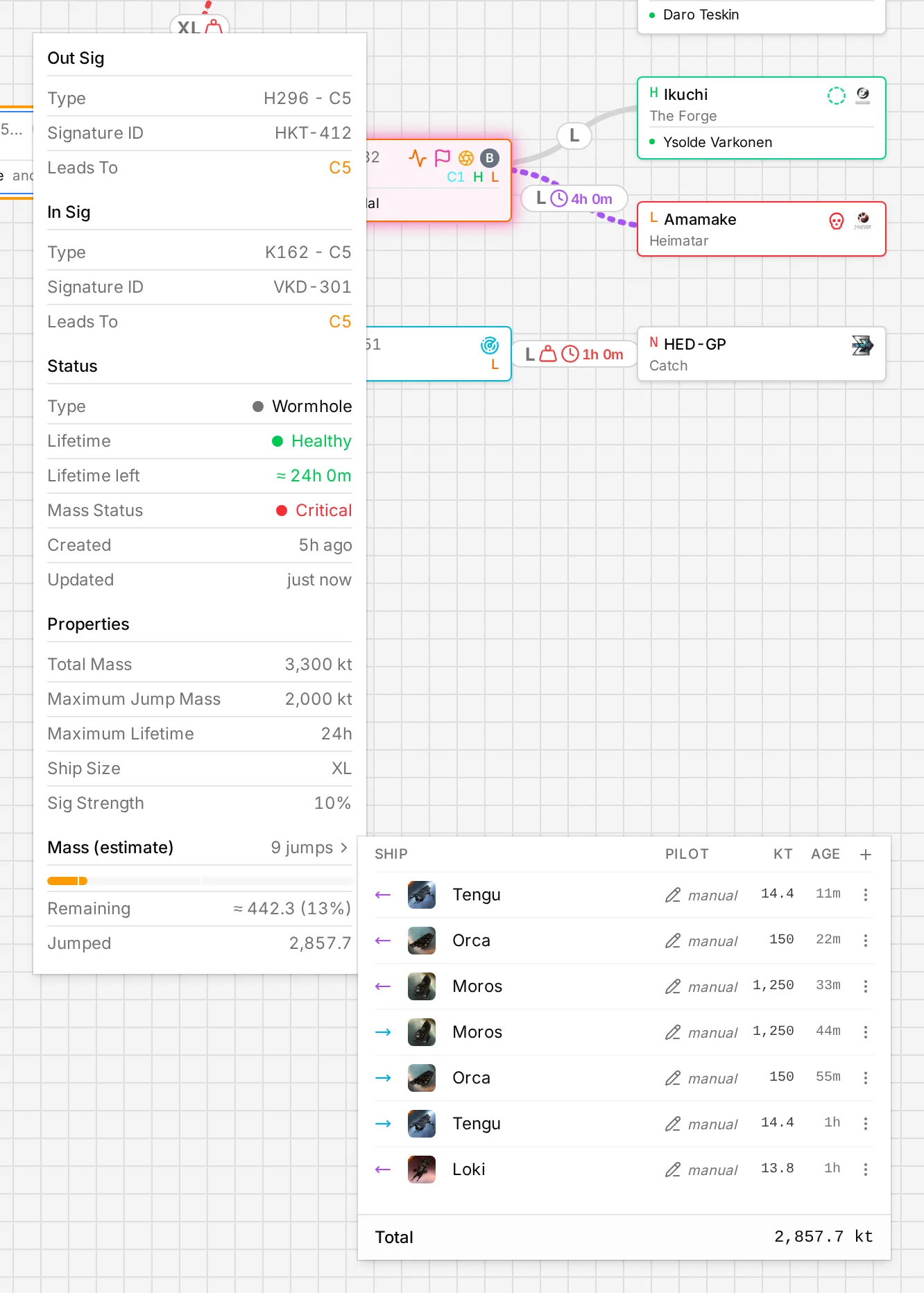
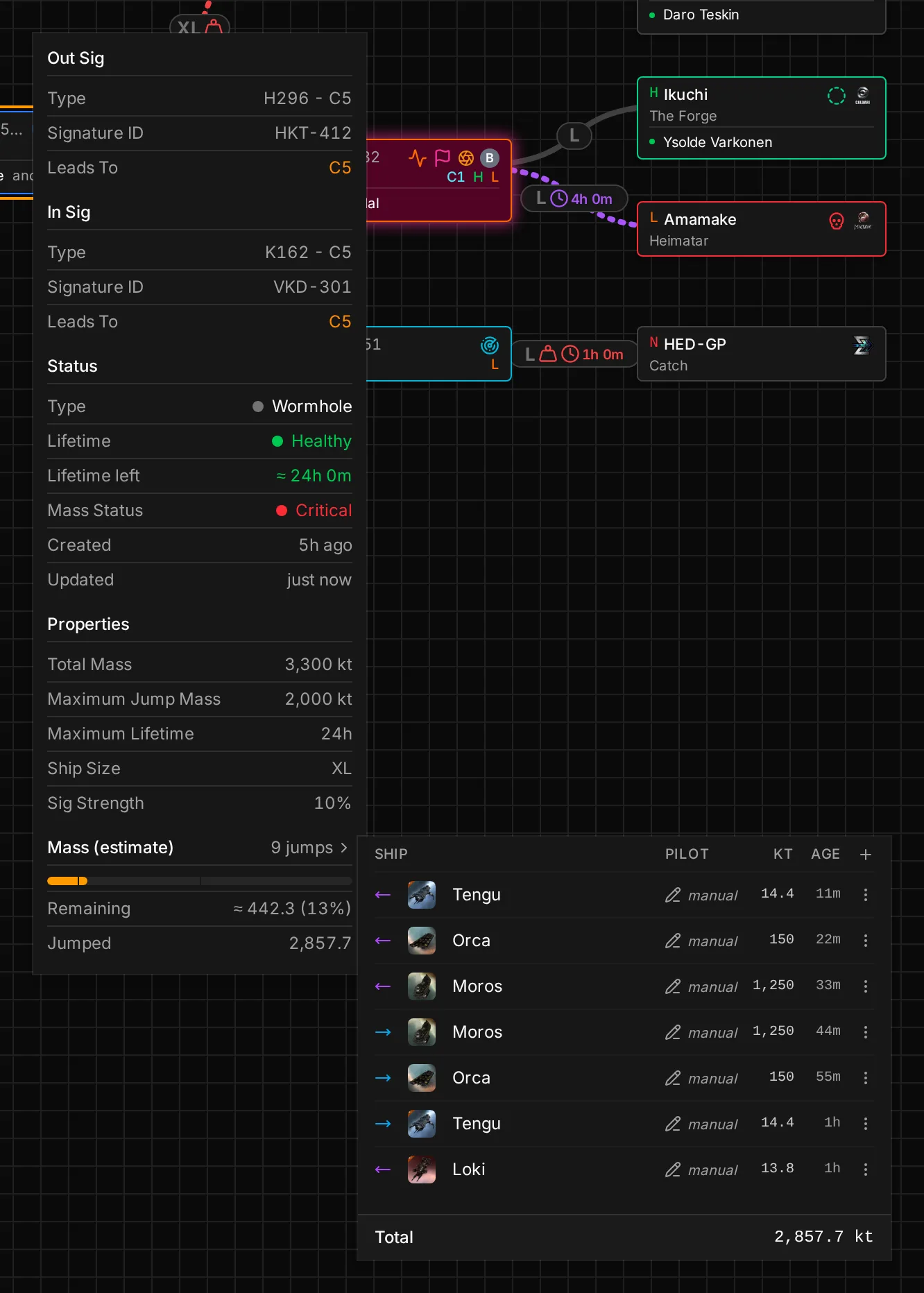
Mass and lifetime that add up
Every jump is recorded against the hole it went through, with the ship that made it, so a connection knows what it has actually taken rather than what somebody remembered. Critical ones surface before anyone rolls into them.
- Both ends of the hole, its type, limits and time left
- A jump log per connection, from tracking or typed in by hand
03 Routing
The way out, through the chain
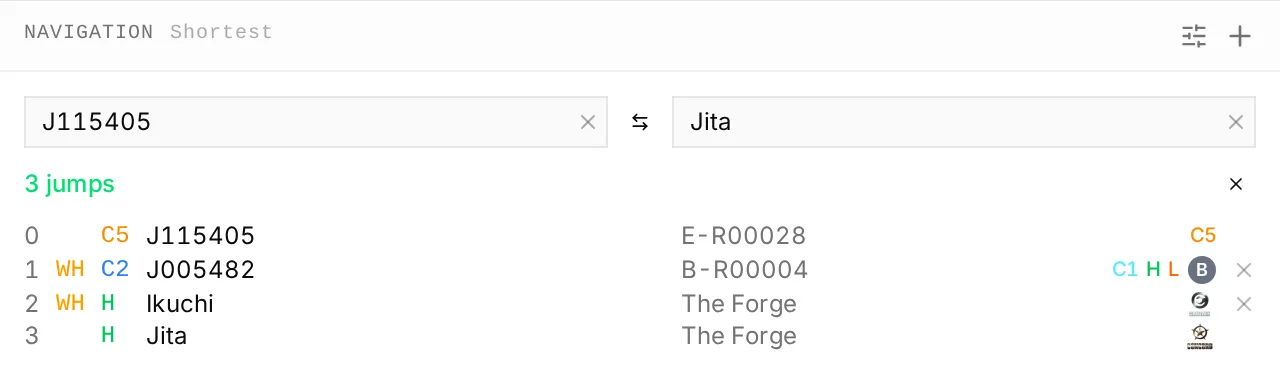
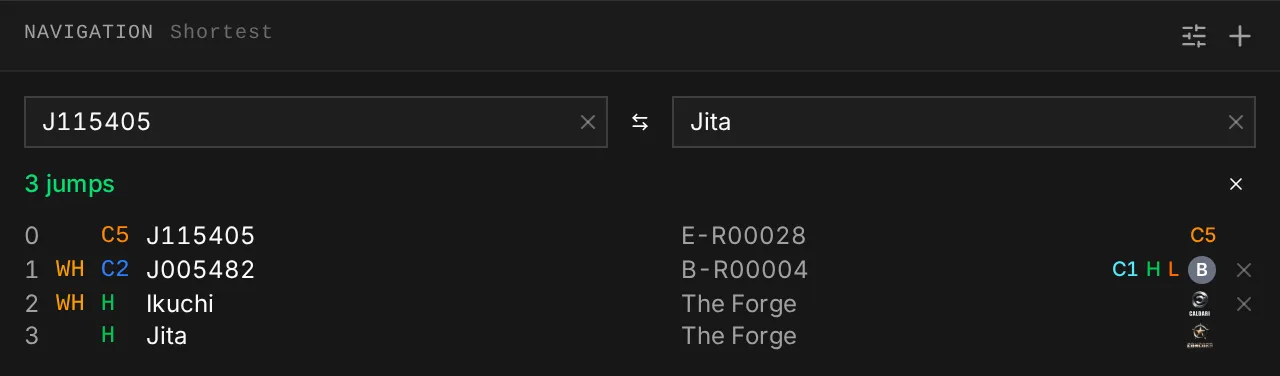
Plan from any system to any other across your wormholes and the gates together, weighted by security and by how much lifetime and mass you are willing to trust. Every pilot's distance comes from the same graph.
- Shortest, safer, or the long way round through low-sec
- Avoid systems, and leave EOL or critical holes out
04 Intel
Know what is next door
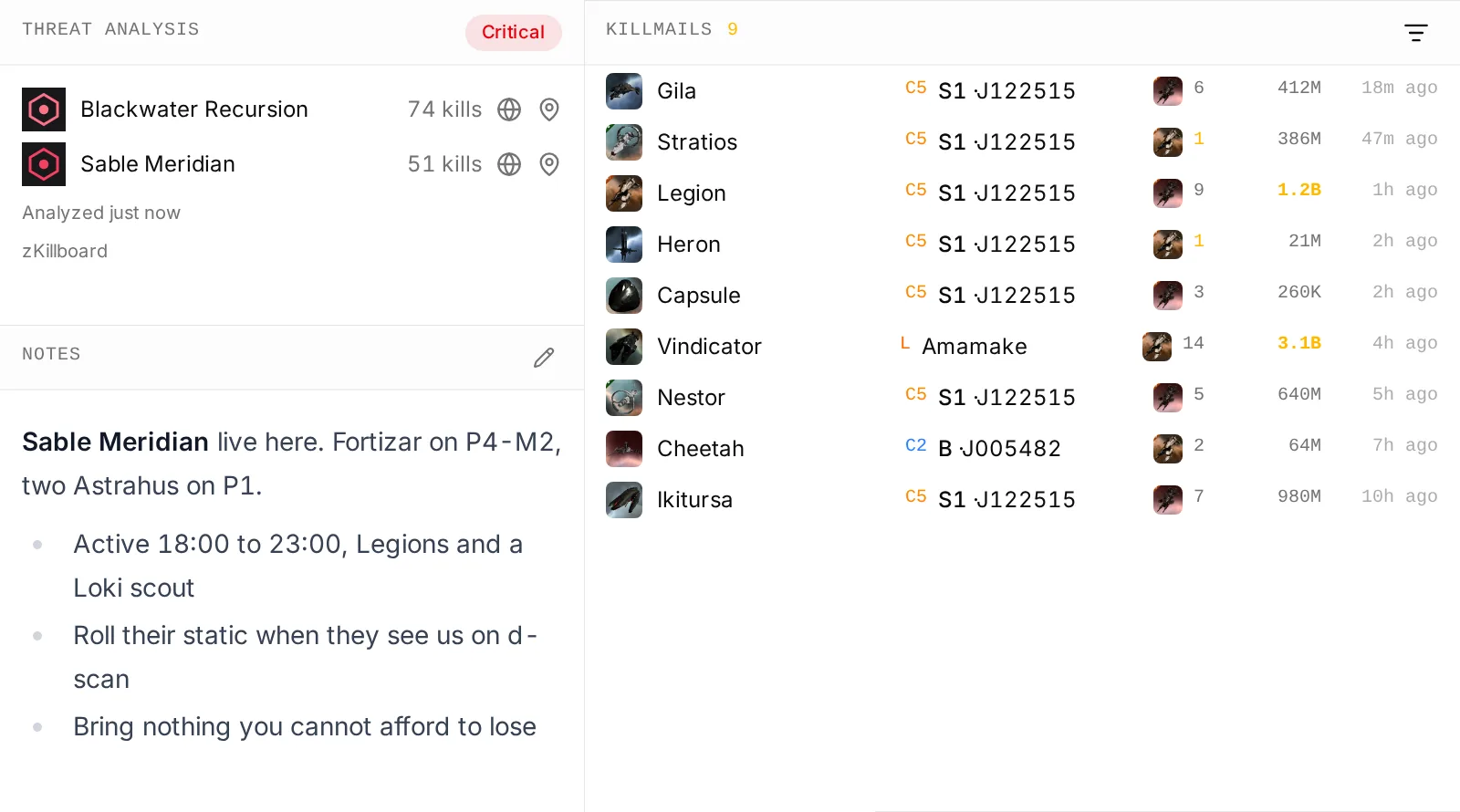
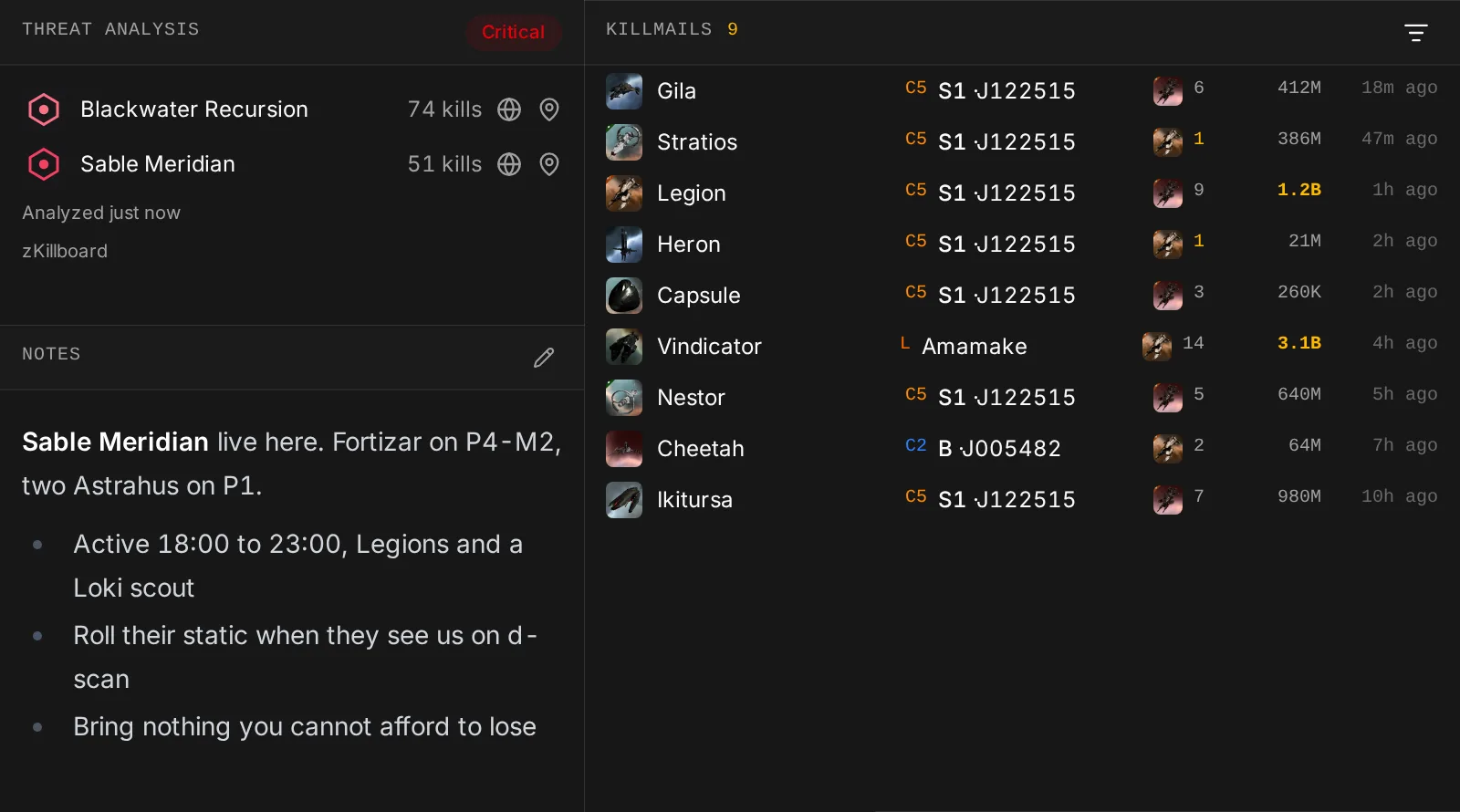
Recent kills land on the systems they happened in, and a look over the killboard says who lives where and how busy they have been. Notes keep the rest: structures, timezones, what not to bring.
- Threat rings on the map for the busy systems
- Kills filtered to the chain, or to one side of it
05 Access
Decide exactly who sees what
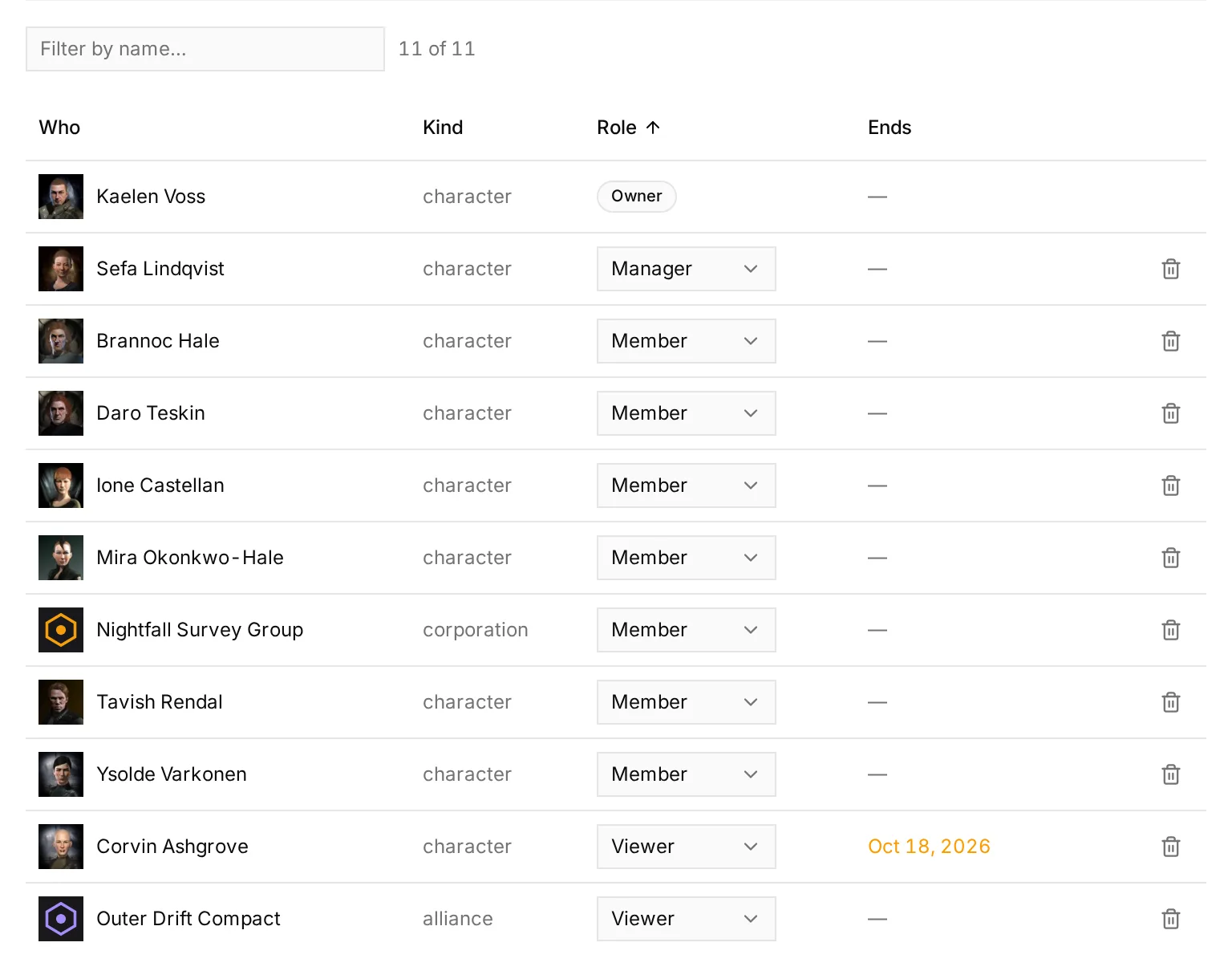
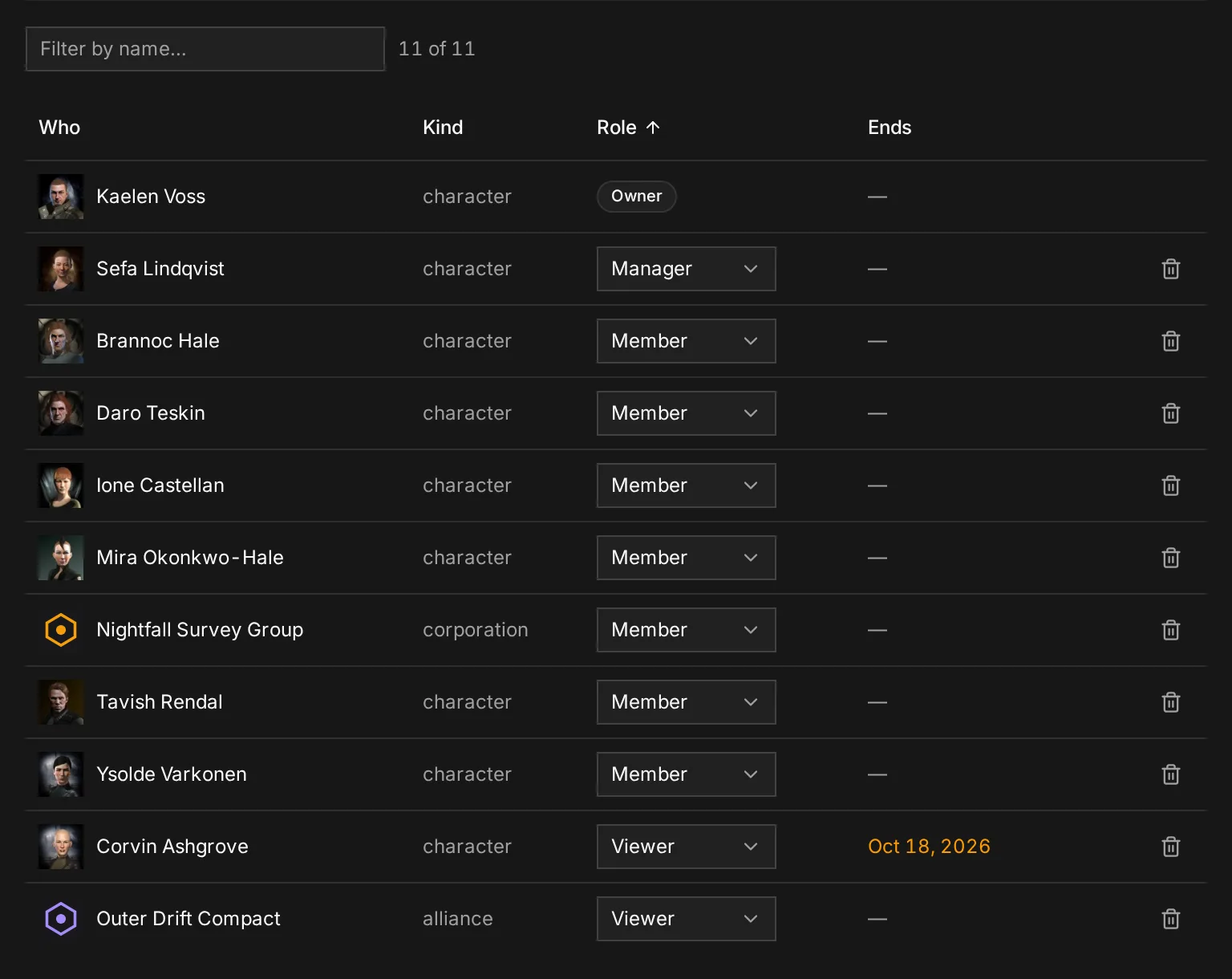
Grant a character, a corporation or a whole alliance, at four levels, with an expiry if you want one. Or hand out a share link for somebody outside the map entirely, and withdraw it without touching anyone else.
- Viewer : Reads the chain: systems, connections, signatures and notes. Changes nothing.
- Member : Everything a viewer does, and maps: systems, connections, signatures, intel.
- Manager : Everything a member does, and runs the map: access, naming, alerts, settings.
- Owner : Everything a manager does, and can delete the map.
06 And the rest
The rest of living in a wormhole
Discord alerts
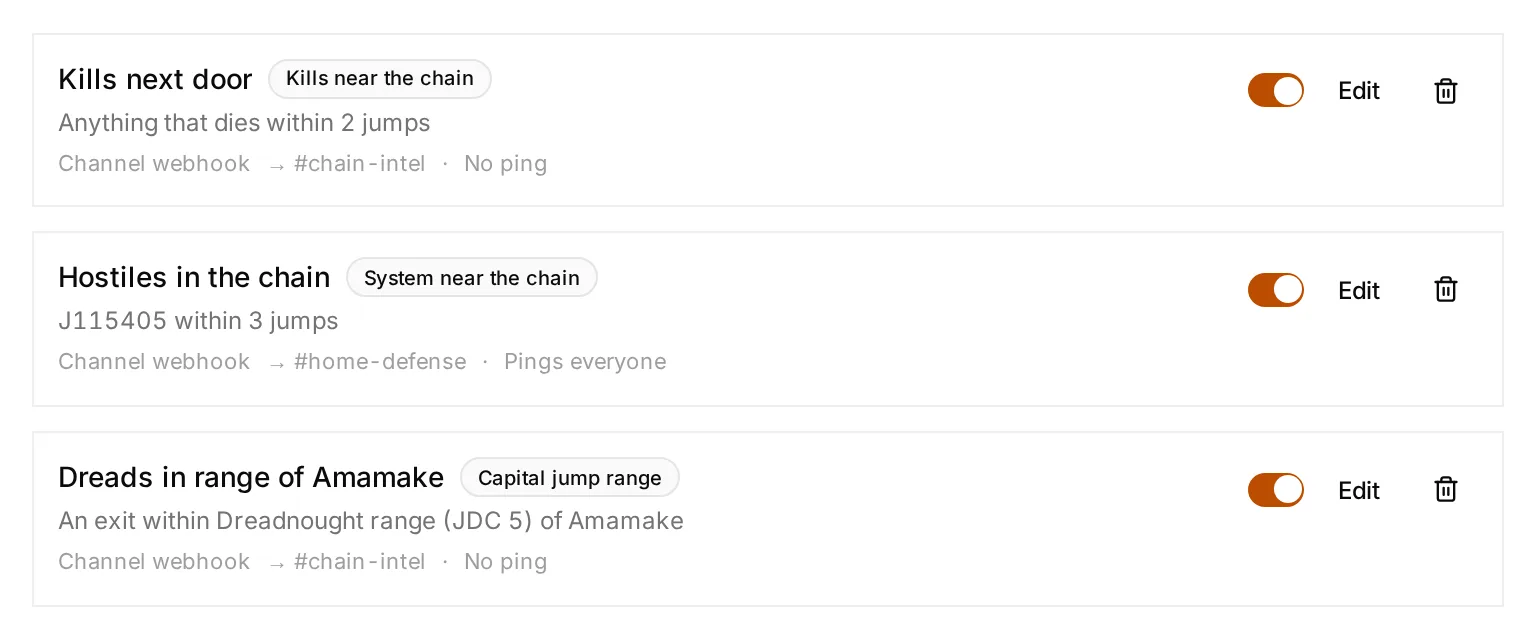
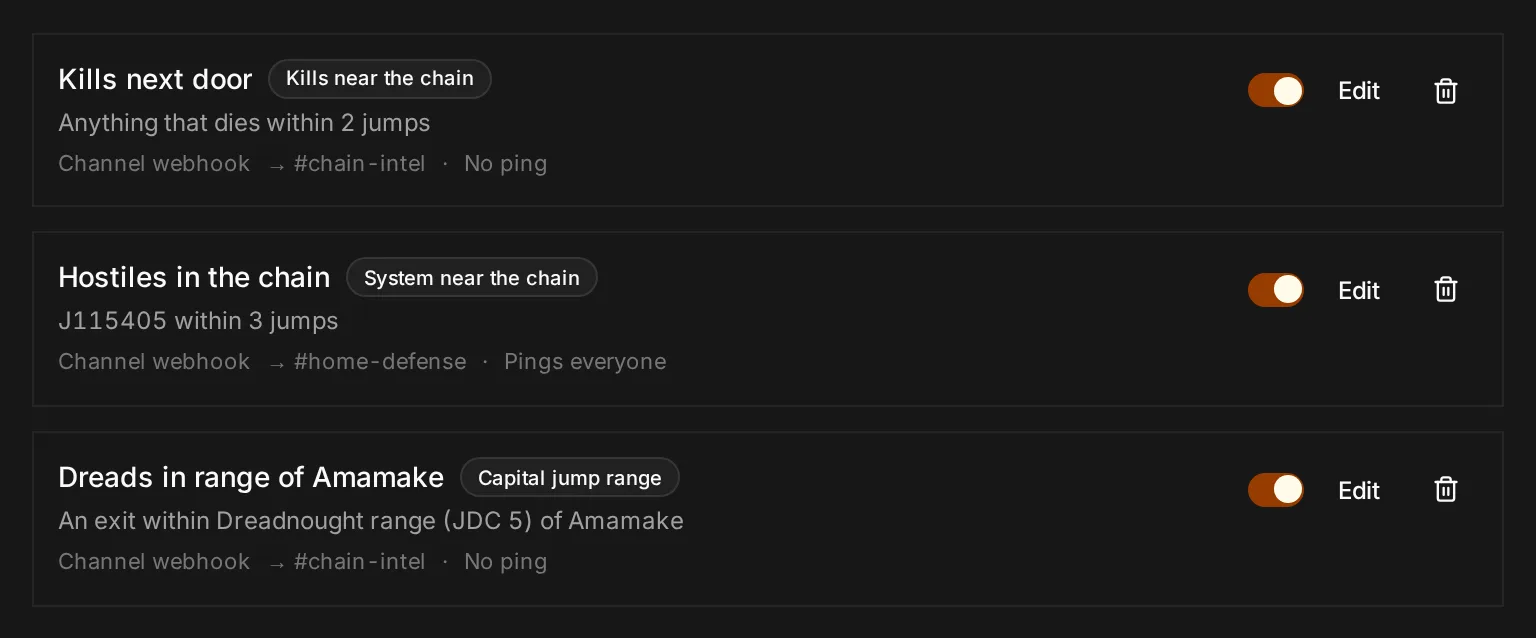
Standing questions about the chain, answered into a channel: kills near home, hostiles a few jumps out, an exit in range of capitals. Slash commands answer from the same map.
Undo anything
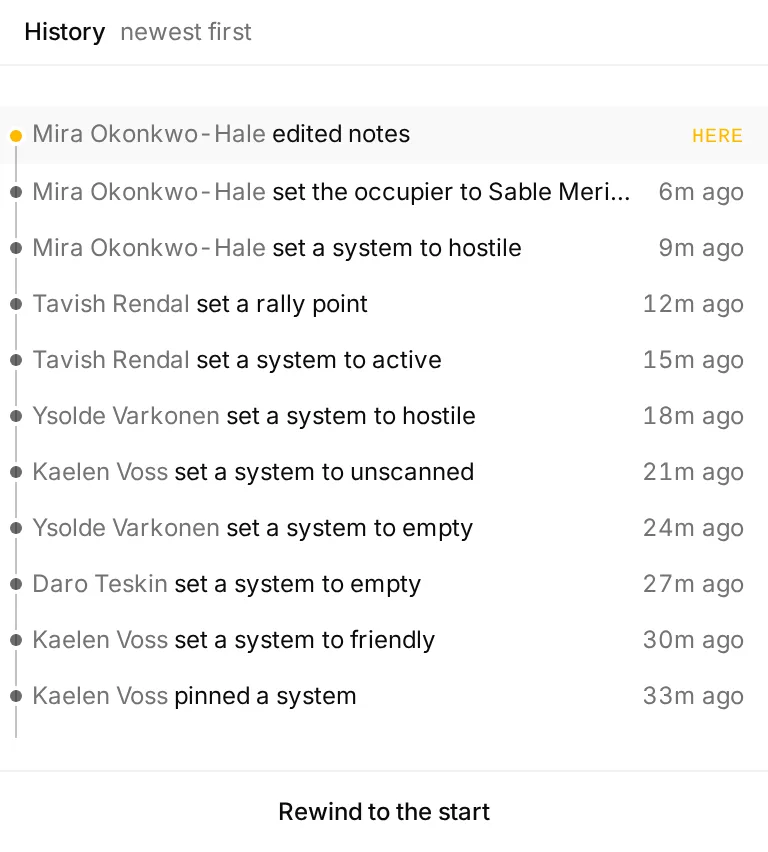
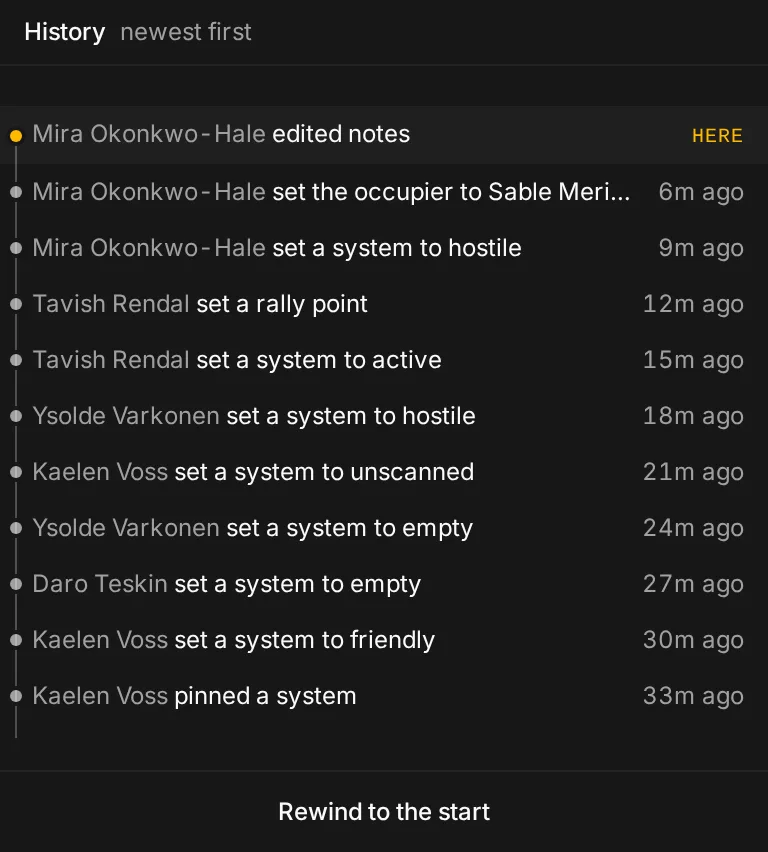
Every change is a command with an inverse, kept with who made it. A mis-pasted scan is one keystroke back, or rewind the map to any point in the evening.
Everyone, where they are
Pilots who share their location show up on the map in the ship they are flying, with how many jumps they are from wherever you are looking.
Rally points
Mark where the fleet forms up. It sits at the top of everybody’s map with the jumps to get there.
EVE Scout
Thera and Turnur connections pulled in and kept current, so the route planner can use them too.
Lays itself out
Drag systems where you like them, or let the map draw the chain as a tree from home outwards.
Your own layout
Drag the panels where you want them. Phone, tablet, laptop and desktop each remember their own arrangement.
Raidable skyhooks
Theft windows across New Eden, nearest first, for the nights the chain has nothing better.
07 Running it
Setup checks first, wsctl after
The installer puts wsctl on the machine and offers to run the setup right away. Certificates are issued on the first boot and the static data seeds itself.
Checked before it asks for anything
- Docker is installed and running, on Compose v2
- there is disk for the static data
- the domain actually resolves to this machine
- ports 80 and 443 are free
- the checkout is not behind origin
And afterwards
- wsctl setup
- Checks the machine, asks for what it needs, brings the stack up.
- wsctl update
- Pulls, rebuilds, restarts, and takes newer static data when CCP has one.
- wsctl status
- What is running, which SDE build is loaded, whether the URL answers.
- wsctl doctor
- Checks Docker, disk, ports and DNS without changing anything.
- wsctl discord-register
- Uploads the slash command to your Discord application.
Your map, your database, your machine
Ready to map the void?
Nothing about your chain leaves the box you put it on. Read the code, run it, change it.